
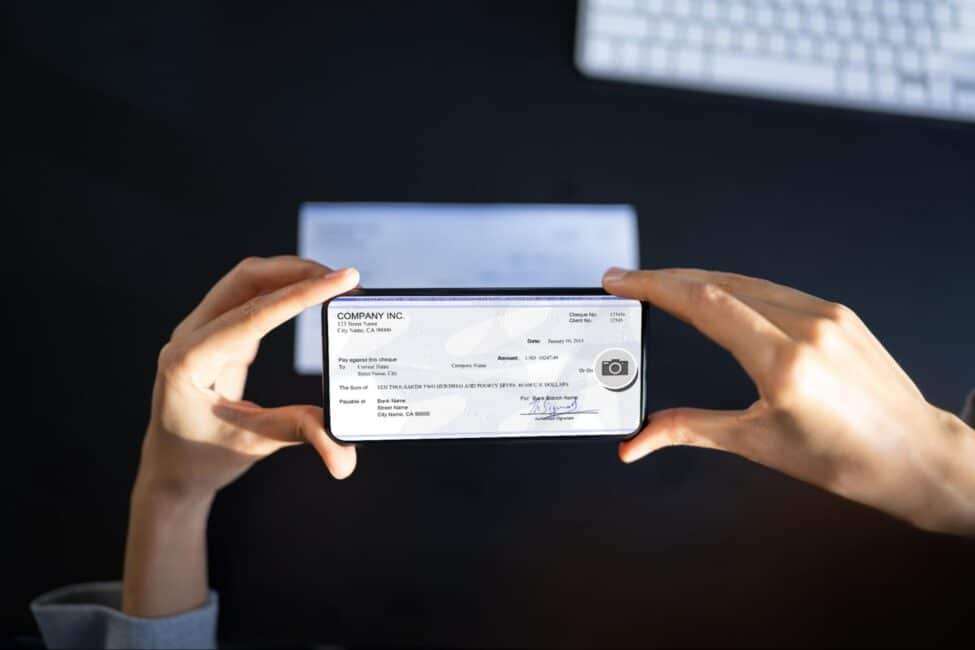
Key Takeaways
- Mobile check deposit lets you add funds to your account using your phone’s camera, so you can skip the trip to a branch or ATM.
- The process takes less than five minutes from start to finish—you endorse the check, snap a photo of the front and back, and submit it through your banking app.
- Deposits usually clear within one to two business days, though some banks make a portion of the funds available right away.
- Daily deposit limits vary by bank, with most caps falling between $2,500 and $10,000 depending on your account type and history.
- A clear photo and proper endorsement prevent most rejected deposits.
Finding time to deposit a check in person isn’t always easy. Between work and daily life, a trip to the bank can feel like one more thing on the list. With mobile check deposit, you can skip that trip and deposit a check from anywhere with an internet connection.
This guide covers how to mobile deposit a check. You’ll also learn what fees to watch for and how to avoid common mistakes that lead to rejected deposits.
- How to Mobile Deposit a Check: Step-by-Step Instructions
- How Does Mobile Check Depositing Work Behind the Scenes?
- What Are the Daily Limits for Mobile Deposits?
- How Long Does It Take for a Mobile Check Deposit to Clear?
- Are There Service Fees for Mobile Check Deposits?
- Is Depositing Your Check by Phone Safe?
- Why Was My Mobile Check Deposit Rejected?
- Frequently Asked Questions
- Mastering Mobile Check Deposits
How to Mobile Deposit a Check: Step-by-Step Instructions
Knowing how to deposit a check by phone saves you time and hassle. These steps work for most banking apps, though the exact layout may look a little different depending on your bank.
Step 1: Open your banking app and log in
Open the mobile banking app on your smart device and sign in with your username and password. If your app uses fingerprint or face recognition, that works too. Make sure you have a strong internet connection before you start, since a weak signal can cause errors during upload.
Step 2: Endorse your physical check
Sign your name on the back of the check in the endorsement area. Most banks require you to write “For Mobile Deposit Only” below your signature. This line tells the bank the check is meant for mobile deposit and helps prevent fraud. Use dark ink, like black or blue, so the writing shows up clearly in photos.
Skipping the endorsement is one of the most common reasons a mobile deposit check gets rejected.
Step 3: Select the account to deposit your funds
Once you’re logged in, look for a “Deposit” or “Mobile Deposit” option in the app menu. Tap it, then choose which account should receive the funds. If you have both a checking and a savings account, double-check that you’re selecting the right one. Depositing into the wrong account can create confusion when you’re trying to follow a financial budget.
Step 4: Enter the exact check amount
Type in the dollar amount printed on the check. Make sure the number you enter matches both the numerical amount and the written amount exactly. If those numbers don’t match, or if your entry doesn’t match either one, the deposit will likely get rejected. Take an extra second to verify before moving on.
Step 5: Take a clear photo
Your app will ask you to photograph the front and back of the check. Place the check on a dark, flat surface with good lighting and hold your phone steady. Here are a few tips for a clean image:
- Use natural light when possible. Overhead lamps can cast shadows that make parts of the text hard to read.
- Lay the check flat. Wrinkles or curled edges can cut off important details like the routing number.
- Avoid glare. Tilt your phone slightly if you see a bright spot reflecting off the check.
A blurry or dark photo is one of the top reasons banks reject a mobile check deposit.
Step 6: Submit the check photo for review
After both photos look clear, tap “Submit” or “Deposit.” Your bank will review the images and check the details. You should see a confirmation screen with a reference number. Save or screenshot this in case you need it later. Most apps also send an email or push notification once the deposit is accepted.
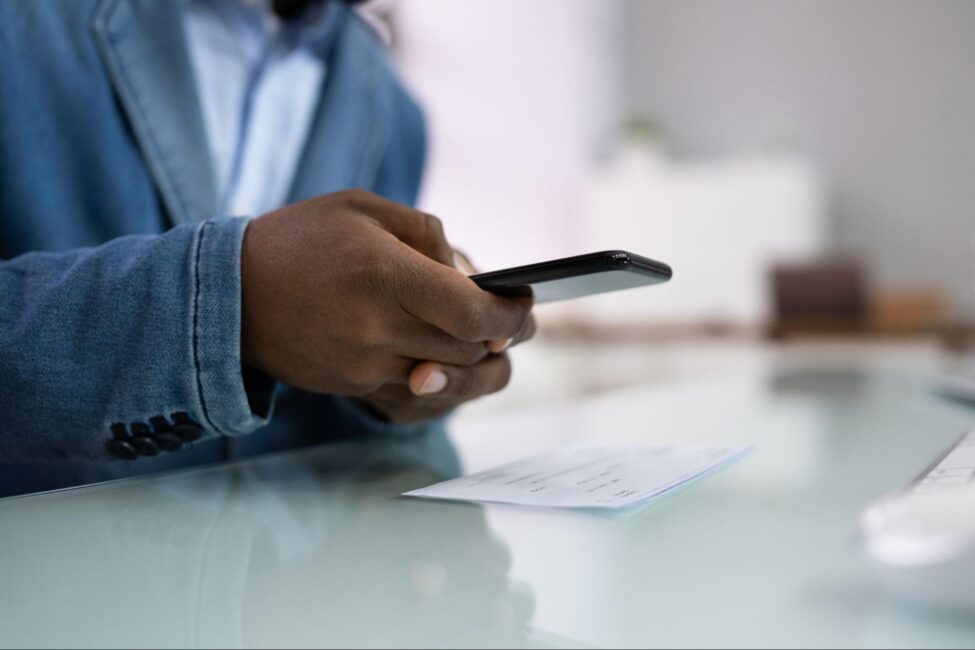
How Does Mobile Check Depositing Work Behind the Scenes?
When you submit a mobile check deposit, your bank doesn’t just look at the photos. The app sends encrypted images to the bank’s processing system. Software reads the routing number, account number, and dollar amount from the image. The bank then contacts the check writer’s bank to verify the funds. Once verified, your mobile deposit check is processed like a paper check would be.
This digital process follows the same rules as a paper check clearing through the traditional system. The Check 21 Act, passed in 2003, made it legal for banks to process electronic images instead of physical paper. Your original check is still important, though. Most banks recommend holding onto it for at least 30 days after the deposit clears, then shredding it to protect against identity theft.
What Are the Daily Limits for Mobile Deposits?
Most banks set daily and monthly limits on how much you can deposit through their mobile app. A typical daily limit falls between $2,500 and $10,000, though this varies by bank and account type. Some banks offer higher limits for long-standing customers or those with higher balances.
If you need to deposit a check that exceeds your mobile limit, you’ll need to visit a branch or ATM instead. You can find your specific limits in your banking app’s settings or by calling customer service.
How Long Does It Take for a Mobile Check Deposit to Clear?
A mobile check deposit usually clears within one to two business days. Many banks make a portion available the same day, often the first $200. The rest typically posts the next business day.
Larger checks and new accounts may take longer. Some banks hold funds for up to five business days if the check is over a certain amount. Government and payroll checks tend to clear faster than personal checks. If you’re looking for an instant mobile check deposit, some banks and fintech apps offer same-day access, though this may come with fees or eligibility requirements.
Are There Service Fees for Mobile Check Deposits?
Most traditional banks and credit unions don’t charge for mobile check deposits. The feature is usually included with your standard checking or savings account. However, some prepaid card providers and third-party apps charge a small fee.
If you want instant access to your funds, some services charge extra for faster processing. Before signing up for any deposit service, read the fee schedule so you know what to expect.
Is Depositing Your Check by Phone Safe?
Mobile check depositing is a safe way to handle your funds. Banks use the same encryption technology for mobile deposits that they use for online banking. Your check images travel through secure channels, and most banking apps require multi-factor authentication before you can access deposit features.
You should still take basic precautions. Only use your bank’s official app from the Apple App Store or Google Play. Avoid public Wi-Fi when making deposits, and always log out of your banking app when you’re done.

Why Was My Mobile Check Deposit Rejected?
Even when you know how to mobile deposit a check, mistakes happen. Here are the most common reasons a deposit gets rejected:
- Blurry or dark photos. The bank’s system couldn’t read the check details from the image you submitted.
- Missing endorsement. You forgot to sign the back of the check or didn’t include “For Mobile Deposit Only.”
- Amount mismatch. The dollar amount you entered doesn’t match what’s printed on the check.
- Folded or damaged check. Bent corners, tears, or stains covered up important information like the routing number.
- Check already deposited. The check was previously deposited at a branch, ATM, or through another mobile app.
- Exceeded daily limit. The check amount is higher than your bank’s daily mobile deposit cap.
If your deposit gets rejected, your bank will usually tell you the reason. Fix the issue and try again, or visit a branch if needed.
Frequently Asked Questions
What banks offer mobile check deposit services?
Most major banks and credit unions offer mobile check deposit through their apps, including national banks, regional banks, and many online-only banks. Check your bank’s app or website to confirm the feature is available. Newer fintech apps also support mobile deposits, though their limits and fees may differ.
Is a mobile deposit faster than a physical bank branch deposit?
The deposit itself is faster because you skip the drive and the wait. However, fund availability is often similar. Both branch and mobile deposits typically clear within one to two business days. Some branches do offer same-day availability for certain check types, which may be slightly faster than mobile processing.
Is depositing a check by phone safer than using an ATM?
Both methods are generally safe. Mobile deposits use encrypted data transmission, while ATMs use physical security and card authentication. One advantage of depositing a check by phone is that you avoid the risk of someone watching over your shoulder. Either option works well as long as you follow standard safety practices.
Mastering Mobile Check Deposits
Now that you know how to deposit a check by phone, you can handle your finances on your own schedule. Whether you’re depositing a payroll check, a refund, or funds after you qualify for a personal loan, mobile deposit puts the process in your hands.
Putting that extra time to good use matters, too. You could use it to review your spending, start a plan to save for retirement, or simply enjoy a few more minutes in your day. Sun Loan is here to help you manage your money with less stress and more confidence.

